Tether review
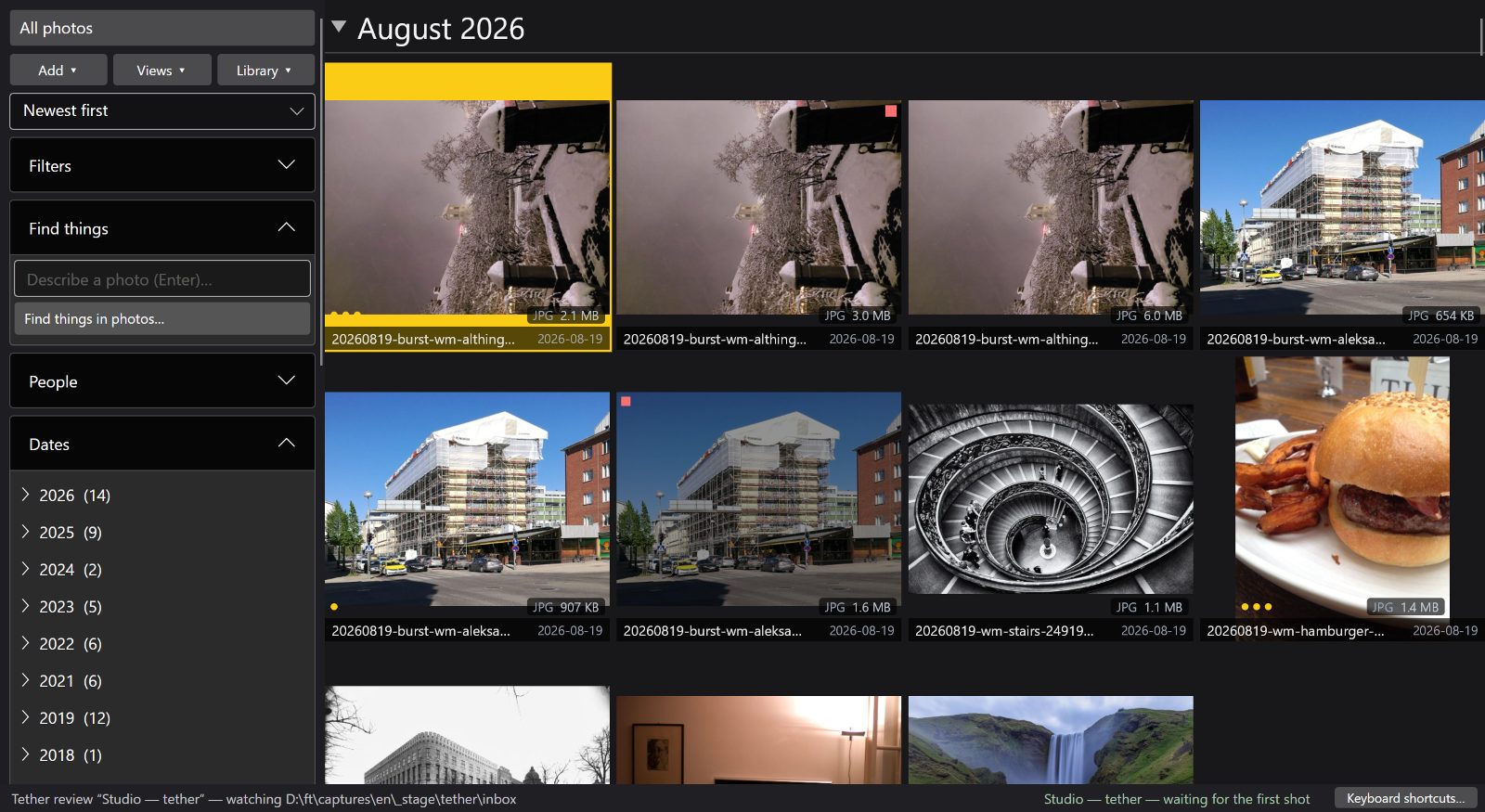
Point FastLoupe at the folder your camera or its own utility writes into, and review frames as they land.
Shoot, and see it
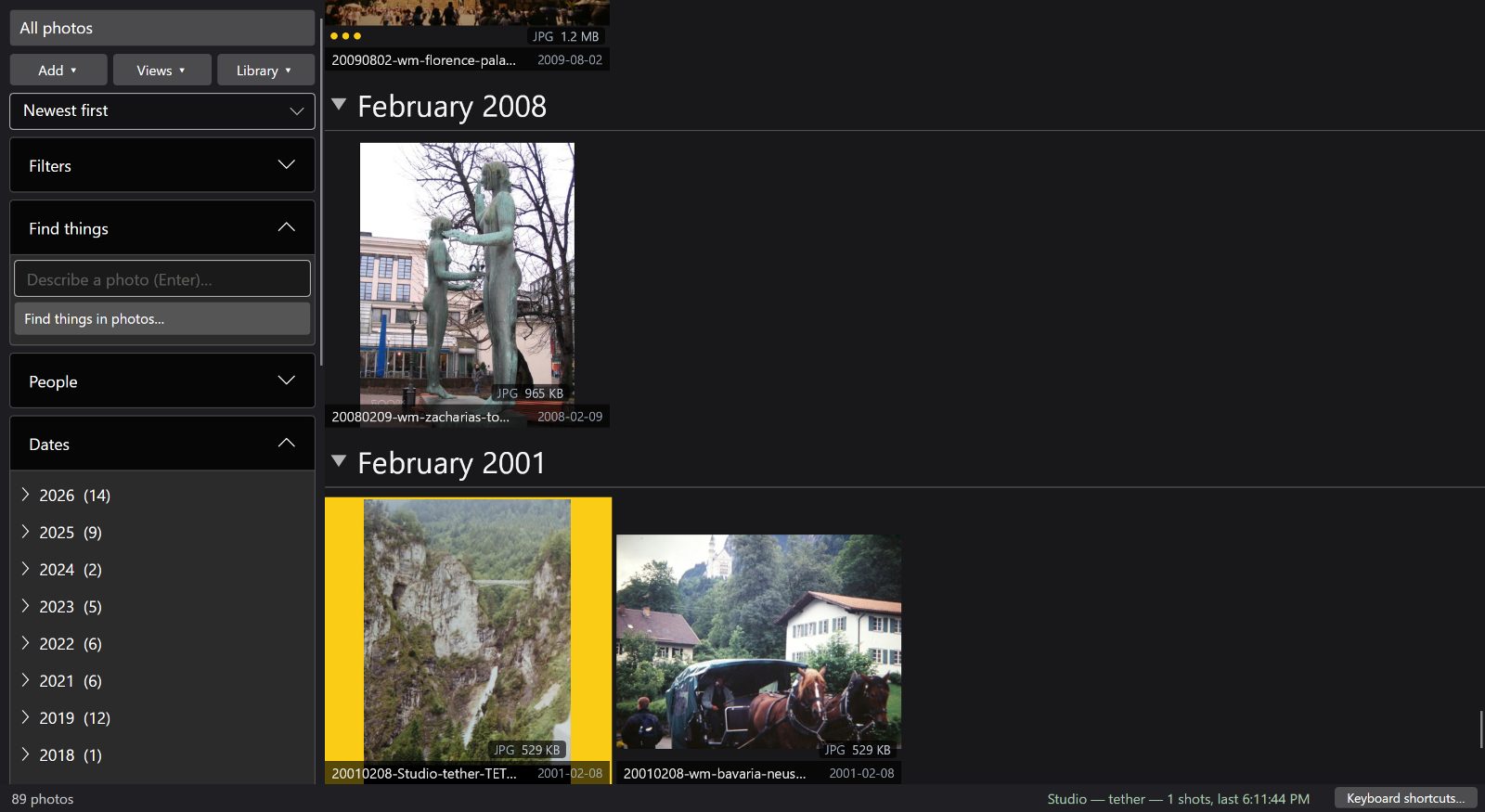
Your camera's own utility — or the camera's FTP — writes into a folder; FastLoupe watches it and turns each arrival into a review. The newest frame is selected as it lands, and walking backwards through the shoot pauses that automatically so a new arrival cannot steal the frame you are looking at. Culling keys work throughout. FastLoupe never talks to the camera. Measured on a Sony A7R IV shooting through its own utility, 61 MP frames of about 39 MB each: from the file landing in the folder to that frame selected on screen, about 7 seconds — smaller files are proportionally quicker. A 169-frame burst, 6.4 GB in two and a half minutes, arrived complete: nothing lost, nothing half-imported, with the review running about 40 seconds behind the camera at that rate.
Try FastLoupe with your own library
Windows: try the app free for 30 days. Mac: download free, keep browsing and rating free, and start the optional 30-day trial for file-changing tools. No FastLoupe account; Store account and checkout requirements apply.
Start your free 30-day Windows trial Download free for MacWorldwide launch offer through 11 October 2026. Finland reference prices: Windows app or Mac permanent unlock €14.99; €24.99 from 12 October. Separate platform licences. Azure backup and storage cost extra. Local Store prices and availability apply.